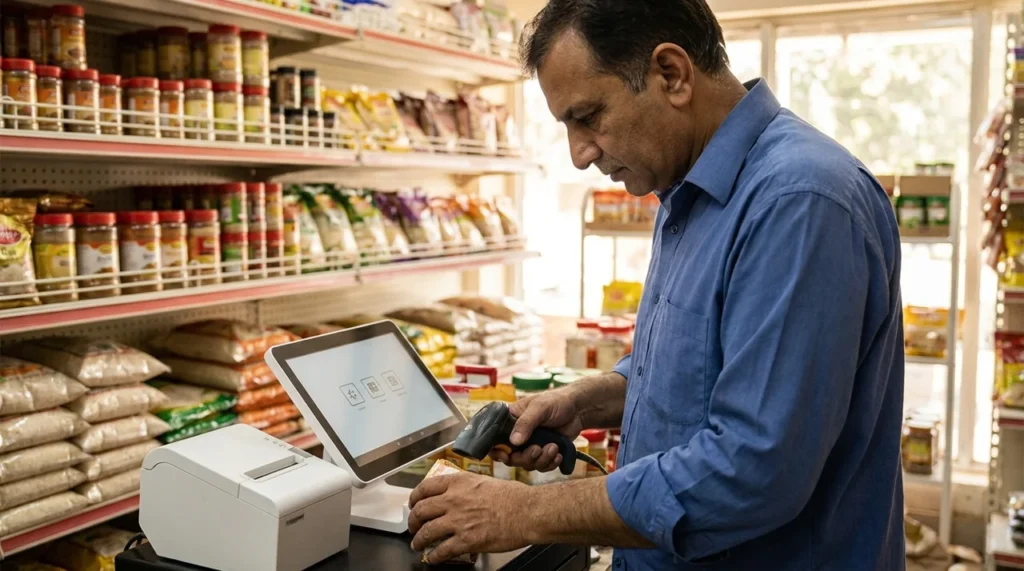
POS software Pakistan retailers choose should be tested against real shop operations before purchase. A clean dashboard is useful, but the system must also handle sales, discounts, returns, stock changes, staff permissions and end-of-day reconciliation without confusing your team.
For a grocery shop, apparel store, restaurant or multi-branch retailer, start with a workflow checklist rather than a feature count. This guide explains what to test, which questions to ask and how to separate a ready-made system from custom development. Tax and compliance requirements should be confirmed with qualified advisers and the relevant authorities for your business.
List the transactions your shop actually performs
Write down common and difficult cases. These might include a normal cash sale, an exchange, a partial return, a damaged item, a manager-approved discount and stock transferred between locations. Ask vendors to demonstrate those cases using sample products that resemble your catalog.
For an apparel retailer, size and colour variants are important. For a grocery shop, barcode handling and units of measure may matter more. A restaurant may need table, kitchen and bill workflows that a general retail system does not cover well.
- Identify whether prices include or exclude applicable taxes.
- Define how discounts and promotions combine.
- List payment methods and reconciliation requirements.
- Specify receipt fields your business needs.
- Record who may void, refund or edit a completed transaction.
POS software Pakistan: test inventory with exceptions
Do not stop at scanning a product and completing a sale. Sell the last unit, process a return and inspect the resulting stock record. Check what happens when an item is damaged or cannot be resold. A refund and an inventory return are related decisions, but they are not always the same event.
For multiple locations, transfer stock and verify both branches see the correct quantities. Ask how simultaneous sales are handled and which record is authoritative when a device reconnects after an outage. If the vendor cannot explain conflict handling, treat “offline supported” as an unverified promise.
| Test case | Evidence to request |
|---|---|
| Normal sale | Receipt, payment record and correct stock reduction |
| Return | Refund record and deliberate stock treatment |
| Branch transfer | Matching dispatch and receipt records |
| Stock adjustment | Reason, user and timestamp in the audit history |
| Offline transaction | Clear sync outcome and duplicate prevention |
Check hardware and internet dependencies
Ask for an explicit compatibility list for barcode scanners, receipt printers, cash drawers and operating systems. Test your existing devices if you intend to keep them. A demonstration on the vendor’s equipment does not establish that your shop’s printer will work.
Clarify whether sales continue during an internet outage, which features stop and how recovery works. If your business needs power-backup equipment or a second connection, include that in the operating plan. Do not assume a cloud label means every function works offline.
For a hypothetical single-branch shop, a simple system with dependable exports and support may be more useful than a complex multi-branch platform. Start with your actual requirements and leave room for expansion rather than buying features staff will not use.
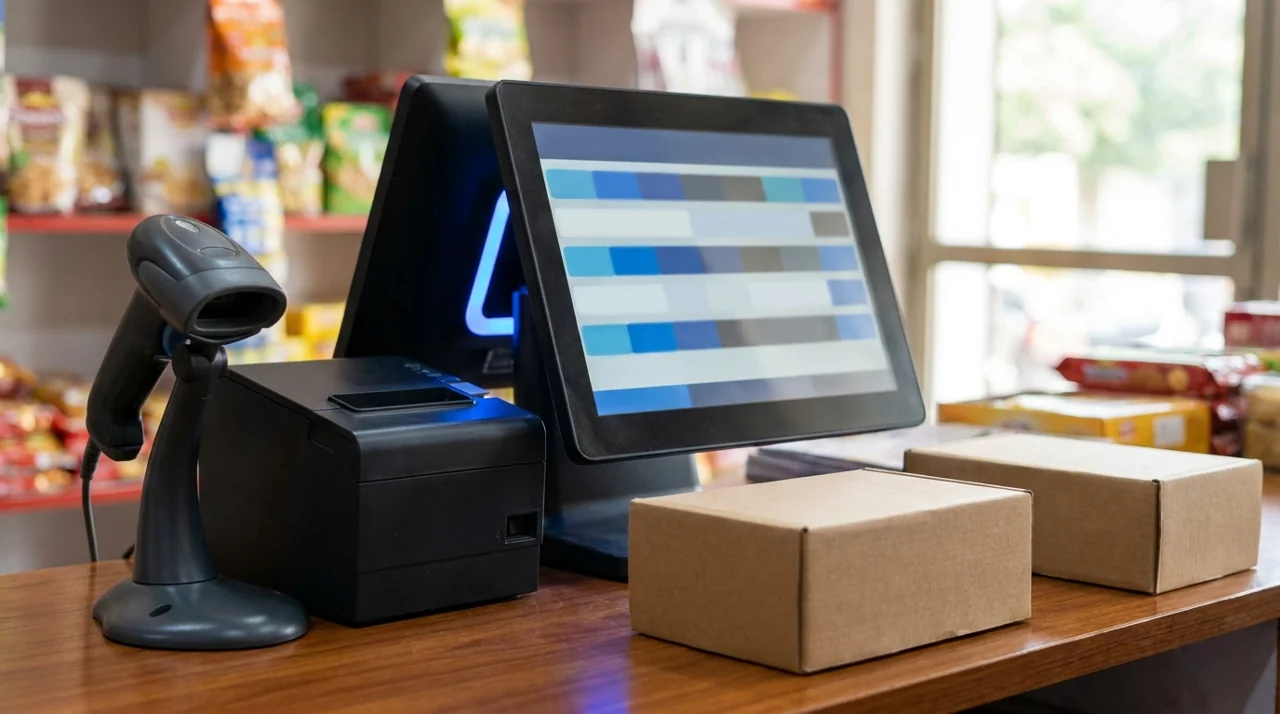
Separate ready-made software from custom POS development
Ready-made software can suit standard workflows and reduce initial implementation work. Custom development may be appropriate when existing products cannot support essential processes, integrations or ownership requirements. It also introduces responsibility for testing, maintenance and future changes.
Before commissioning custom software, identify precisely what cannot be handled by configuration or an approved integration. “We want our own system” is not enough scope. Specify roles, transactions, reporting, data imports and acceptance tests.
The Tetra Technology lists custom POS and inventory systems among its business software services. A requirements review should establish whether a custom build is justified rather than assuming it is the first option.
Review permissions, backups and data ownership
Create separate staff accounts with permissions appropriate to each role. Cashiers should not automatically have the same access as an owner. Test that restricted users cannot change prices, delete records or access reports you intend to protect.
Ask how backups are created, where they are stored and who can restore them. Request a demonstration using non-production data. An export is useful for portability but is not necessarily a complete operational backup.
Check whether you can export products, inventory and transactions in a usable format. Confirm access after cancellation, data-retention terms and any migration charges. These details matter if you later change vendors or connect an ecommerce store.
Use a short pilot before full rollout
- Load a representative set of products and opening stock.
- Train one cashier and one manager using written test cases.
- Run normal sales and exceptions without real customer data where possible.
- Reconcile payment totals, refunds and stock movement.
- Record problems and repeat failed tests after fixes.
- Approve the rollout only when staff can explain daily opening and closing procedures.
Agree on support availability and escalation before going live. A retailer needs to know what happens when checkout stops during trading hours, not merely how to submit a ticket.
Frequently asked questions
What should a POS software Pakistan proposal include?
Ask for transaction workflows, supported hardware, user roles, data exports, backup responsibilities and response terms. Include applicable integration and compliance requirements after confirming them for your business.
Is free POS software suitable for a small shop?
It may be, if its limitations fit your requirements. Review support, backups, hardware compatibility, exports and ongoing costs before deciding based on the purchase price alone.
Does cloud POS always work without internet?
No. Offline capabilities vary. Ask the vendor to demonstrate a complete outage-and-recovery scenario and show which records sync successfully.
Can POS software connect to an online store?
Some systems offer supported integrations. Verify inventory ownership, sync frequency, error handling and return behaviour rather than relying on an integration logo.
POS software Pakistan retailers can rely on needs an ownership plan as well as a feature list. Identify who maintains the system, who can restore data and what happens if the supplier relationship ends. For compliance research, use the FBR’s official POS integration information as a starting point and confirm current obligations with a qualified adviser; do not infer eligibility or compliance from a vendor’s demo.
Plan a dependable retail workflow
Start with the transaction and inventory checklist above. If your business needs custom software or an integration, share your POS requirements with The Tetra Technology. Include branch count, catalog structure, hardware, accounting requirements and the operational problems the project must solve.
POS software Pakistan shop teams use every day should make exceptional transactions understandable. Repeat the sale, return and outage tests with staff before approving a full rollout.