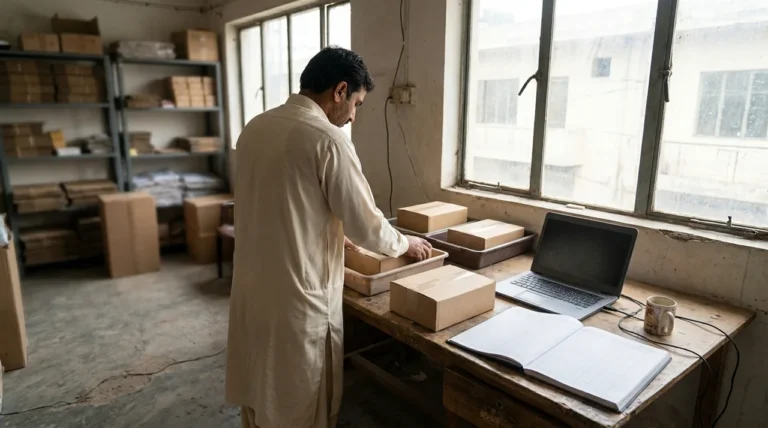
WooCommerce development becomes an integration project when orders, stock, payments and fulfillment must stay consistent across systems. A store can look finished while staff still reconcile duplicate shipments, missing updates or stock mismatches by hand.
For a US retailer connecting a warehouse, accounting package or other service, define the operational contract before choosing a connector. These seven checks help you scope reliable behavior. They focus on integration ownership and recovery, rather than storefront speed or the appearance of a theme.
1. Define a source of truth for each field
Decide where product details, prices, stock and order status originate. One system may own inventory while another owns content. Write down the direction of each synchronization and the rule for conflicting edits.
A hypothetical merchant might keep sellable stock in its warehouse system and product descriptions in WooCommerce. Without that distinction, a routine import could overwrite editorial content or an old stock value could replace a newer one.
Use stable identifiers and document variant mappings. A product name is not a dependable matching key when staff can change its wording. Confirm what happens when an SKU is missing, duplicated or retired.
2. WooCommerce development needs an order-state map
List the states that matter to the business: placed, awaiting payment, paid, ready for fulfillment, shipped, cancelled and refunded, for example. Map those concepts to the actual states used by each connected system.
Define the event that authorizes fulfillment. A new order is not always a paid order, and a refund is not necessarily a cancellation of an already dispatched parcel. Staff need clear rules for each exception.
- State when an order can be exported.
- Define partial shipment and partial refund behavior.
- Record how cancellations cross system boundaries.
- Explain how staff find the same order in each system.
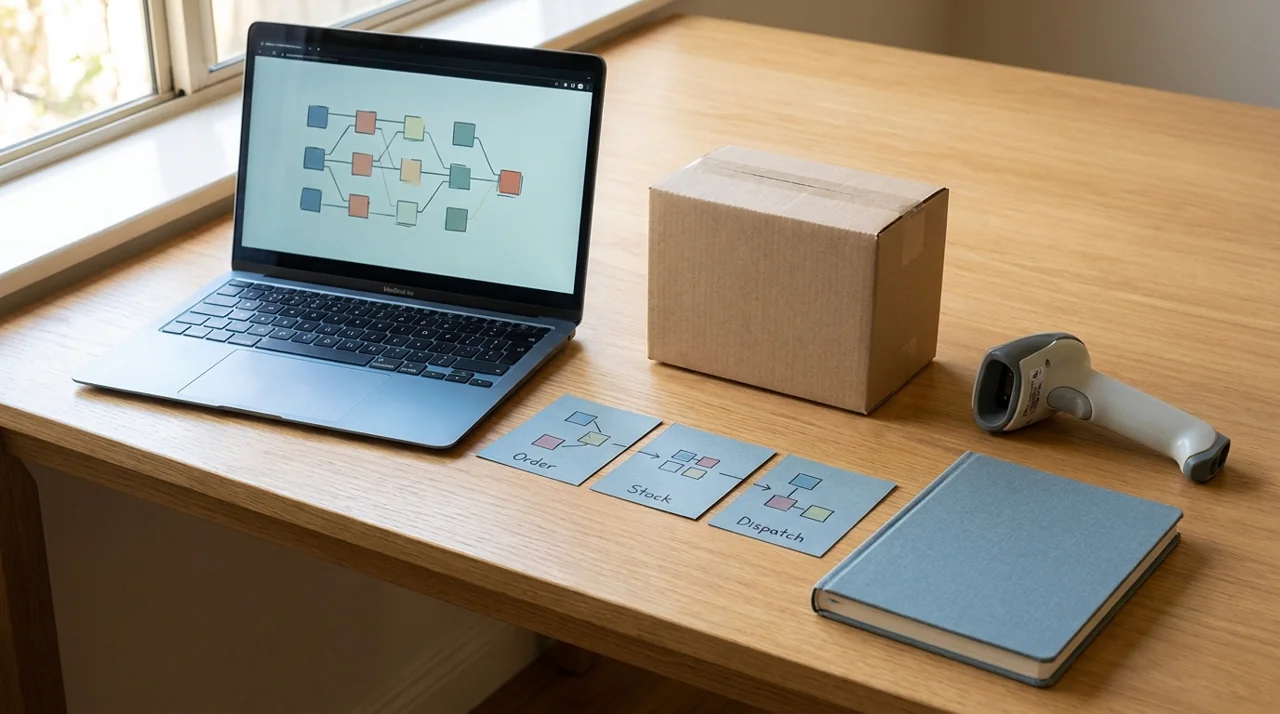
Use a few concrete examples in the specification. A state diagram is useful only if the team can translate it into the actions staff take.
3. Verify how notifications and APIs actually work
WooCommerce’s webhook documentation describes event notifications sent to a chosen URL and explains how they can connect the store with external services. It also documents delivery logs and automatic disabling after repeated failures.
That means creating a webhook is not the whole integration. Specify who monitors delivery, how disabled notifications are noticed and how missing work is reconciled. Check the provider’s current behavior rather than assuming every delivery is immediate or permanent.
Protect credentials and validate incoming requests using the supported mechanism. Grant only the access the integration needs and keep secrets out of public code, customer-facing pages and ordinary support notes.
4. Design for duplicate and delayed work
A timeout does not always reveal whether the receiving system completed an action. If an integration retries without checking, one customer order can create two fulfillment requests. Decide how a stable operation identifier prevents duplicate business actions.
Record which operations can be retried safely, which need a status lookup and which require human review. Handle updates that arrive late or in an unexpected sequence. Do not let an old message silently reverse a newer state.
A hypothetical shipment export should be traceable from the WooCommerce order to the external record. If the response is lost, staff should be able to check that relationship before resending the request.
These are design requirements, not claims that every connector implements them identically. Ask the supplier to demonstrate the behavior for the tools you will actually use.
5. Specify reconciliation and recovery
Define a regular way to compare the systems and find exceptions. Examples include paid orders with no fulfillment record, shipments without tracking updates and inventory changes that did not reach the storefront.
Give exceptions an owner and a documented resolution path. A dashboard that lists errors is not enough if nobody knows whether to retry, correct data or contact a provider. Keep access to customer information appropriately limited.
| Failure scenario | Required response |
|---|---|
| Provider unavailable | Queue or safely pause work and notify the responsible team. |
| Duplicate event | Recognize the prior operation without duplicating fulfillment. |
| Invalid product mapping | Flag the record for correction rather than guessing. |
| Missing update | Find it through reconciliation and apply an approved recovery. |
Document what is safe to do manually while an outage is investigated. Avoid recovery instructions that tell staff to repeat every action indiscriminately.
6. Test on staging with realistic scenarios
Use a safe test environment and provider test facilities where available. Prevent test messages, payments and shipments from affecting real customers. Check that staging does not share live credentials or scheduled exports unintentionally.
Test ordinary orders, failures, cancellations, refunds, stock boundaries and duplicate inputs. Include realistic variants and shipping destinations. Verify the resulting records in both systems, not just a success message in the connector.
Performance and integration reliability interact, but they are different questions. Our WooCommerce speed optimization guide discusses measuring customer tasks and protecting dynamic cart behavior. Recheck those tasks after adding or changing integrations.
7. Make ongoing ownership part of the scope
Record who maintains custom code, connector subscriptions, API compatibility and monitoring. Agree on how provider changes are reviewed and which workflows must be retested before an update reaches production.
Separate a defect warranty from ongoing maintenance and new functionality. A useful support agreement explains coverage, escalation and the information needed for an investigation rather than promising that no integration will ever fail.
Our website maintenance guide can help frame the broader operational discussion. WooCommerce development should leave the business with understandable responsibilities, not a collection of connections that only one developer can explain.
Frequently asked questions
Is an off-the-shelf connector enough?
It may be. Compare its supported workflows, failure handling and data mappings with your requirements before commissioning custom work.
Does a successful webhook prove the order is fulfilled?
No. Delivery of a notification and completion of the business action are different events. Verify the downstream record and state.
Can retries create duplicate orders or shipments?
They can if the receiving workflow does not recognize repeated operations. Require a tested duplicate-handling design for important actions.
Build integrations around recoverable workflows
Discuss your WooCommerce development requirements with The Tetra Technology. Bring the connected systems, field ownership and exception scenarios so the scope covers what happens when a request fails as well as when it succeeds.