
WordPress development in Pakistan should start with a clear description of how your business will use the website. A list of pages is helpful, but it does not explain who will update them, where enquiries go, which systems connect to the site or how you will decide that the work is ready to launch.
For a company in Lahore, Karachi, Islamabad or another market, a useful brief turns those questions into testable deliverables. Use these seven checks when comparing proposals. This guide focuses on project scope and acceptance, rather than quoting unverified prices or assuming that every business needs a custom theme.
1. Define the customer journey before the page count
Write down the primary action a visitor should complete. It could be requesting a quotation, booking an appointment or finding the correct branch contact. Then identify the pages and information that support that action.
A hypothetical engineering supplier might need service pages, downloadable specifications and a structured enquiry form. A local training provider might instead need course information, schedules and an application workflow. Both can use WordPress, but their templates and acceptance tests will differ.
Separate launch requirements from later ideas. Record what is deliberately excluded so a new feature request does not become an unspoken expectation halfway through development.
2. WordPress development needs a template and editing plan
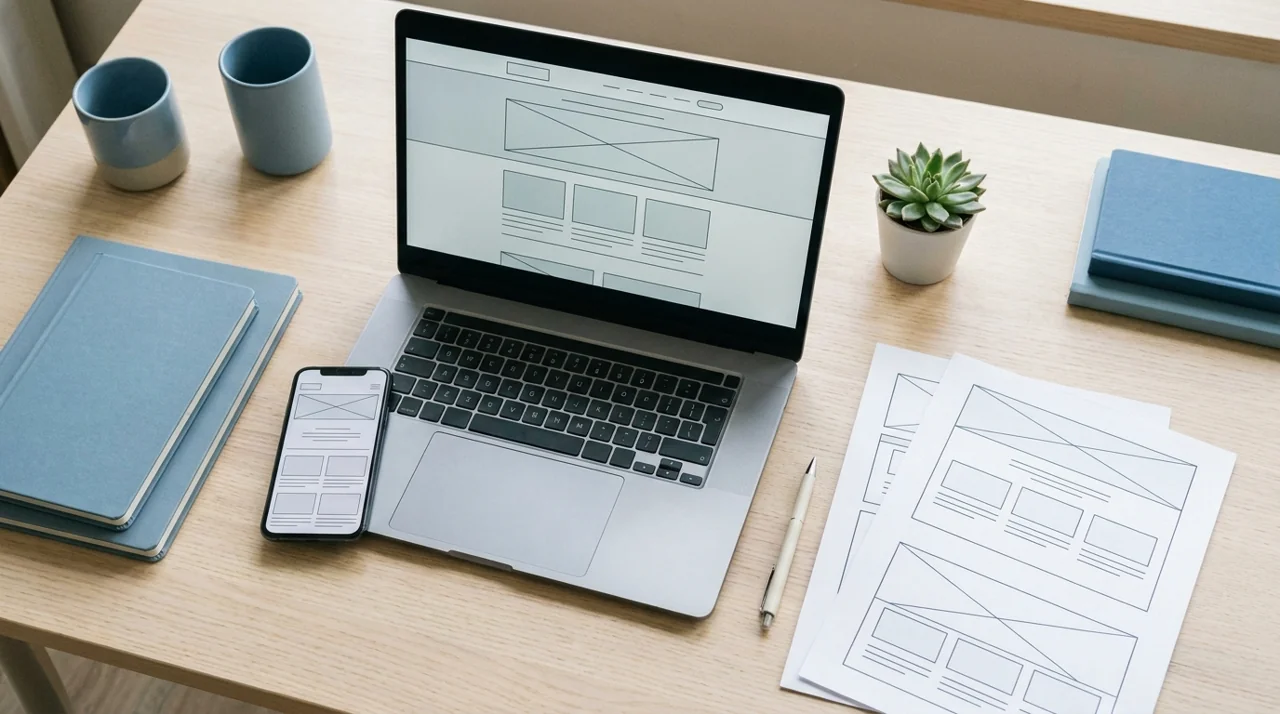
List the distinct layouts: homepage, service page, article, archive and contact page, for example. Ask which sections staff can edit safely and which parts require a developer. Reusing a template can be sensible when it meets the content need; uniqueness is not a reason to rebuild every component.
- Specify editable headings, images, calls to action and reusable sections.
- Assign responsibility for copy, photography and approvals.
- State whether Urdu or other language content is included.
- Demonstrate how a staff member adds a page without breaking its layout.
If translation is required, include navigation, form messages and right-to-left presentation where relevant, not only body paragraphs. Test the actual supplied content rather than approving a design with short placeholder sentences.
3. Make forms and integrations testable
For every form, define required fields, validation, the receiving team and the next action. Confirm where submissions are stored, how access is limited and what happens if an email notification fails. Avoid collecting sensitive information that the workflow does not need.
Document external dependencies such as booking, CRM or payment services. Identify who owns the provider account, whether approval is required and which supported integration method will be used. An attractive form is not finished until staff can receive and handle its submission.
Agree on a realistic test: submit a valid enquiry from a phone, check the confirmation, find the record and verify delivery to the intended person. Test invalid input and duplicate submissions as well as the ideal case.
4. Assign security, updates and recovery responsibilities
The official WordPress hardening guide treats security as risk reduction rather than a guarantee. It emphasizes limiting access, trusted software sources, updates and preparation. Ask your supplier to explain which controls they manage and which remain with the business or hosting provider.
Use individual accounts with suitable permissions. Document administrator access, update handling and a recovery process. A backup schedule alone is incomplete: establish who can restore the site and how a restore will be tested without disrupting production.
Discuss ongoing work before launch. Our website maintenance guide provides a starting point for separating a build from continued operational support.
5. Specify mobile, accessibility and performance checks
Agree on representative devices and page types. Review menu behavior, long headings, image cropping and form entry on a narrow screen. Include keyboard navigation, visible focus and useful labels in the testing scope rather than treating accessibility as a decorative final pass.
Set performance expectations using agreed pages and conditions. Image preparation, theme choices, scripts and hosting all affect the result. Do not accept a promise that one plugin guarantees a perfect score or that a homepage test proves every page is fast.
| Acceptance area | Useful evidence |
|---|---|
| Editing | A staff member creates and updates a representative page. |
| Enquiries | A test reaches the assigned team and can be traced. |
| Mobile use | Navigation, contact links and forms work at narrow widths. |
| Recovery | A documented restore test succeeds in a safe environment. |
6. Include search foundations without ranking promises
WordPress development can include a sensible heading structure, descriptive titles, editable metadata and crawlable internal links. Assign keyword mapping and copywriting explicitly if they are part of the project; installing an SEO plugin is not the same as delivering a content strategy.
For an existing site, inventory important URLs and prepare relevant redirects for changes. Check contact details, canonical settings and search visibility before launch. Our website redesign SEO checklist covers related migration safeguards.
Record the measurement setup and confirm that form events work. Search rankings depend on many factors and should not be presented as a guaranteed outcome of the build.
7. Require an ownership and handover checklist
Keep domain, hosting and licensed-service ownership clear. Obtain the administrator access, source deliverables and documentation specified in your agreement. Record renewal responsibilities, especially where foreign-currency subscriptions are involved.
Ask for a walkthrough using your real content. Separate defect support from additional development and confirm how new requests will be estimated. The handover should let an authorized staff member operate the site without relying on one unavailable individual.
Frequently asked questions
Does every project need a custom WordPress theme?
No. Compare the requirements with a suitable existing theme, a configured block-based approach or custom development. Choose based on fit, maintainability and testing, not the label alone.
Who should supply the website content?
Assign it in the scope. If the agency writes or translates copy, define approval responsibilities and deliverables. If your team supplies it, agree on formats and dates.
Is SEO included automatically?
No. Ask exactly which technical checks, content work and measurement tasks are included. A plugin installation is only one component.
Turn the brief into a usable website
Discuss your WordPress development brief with The Tetra Technology. Bring your page types, enquiry workflow, content responsibilities and launch criteria so the proposed scope addresses how the business will actually use the site.